Help Center › Members & Profiles
Archiving a member
How to archive
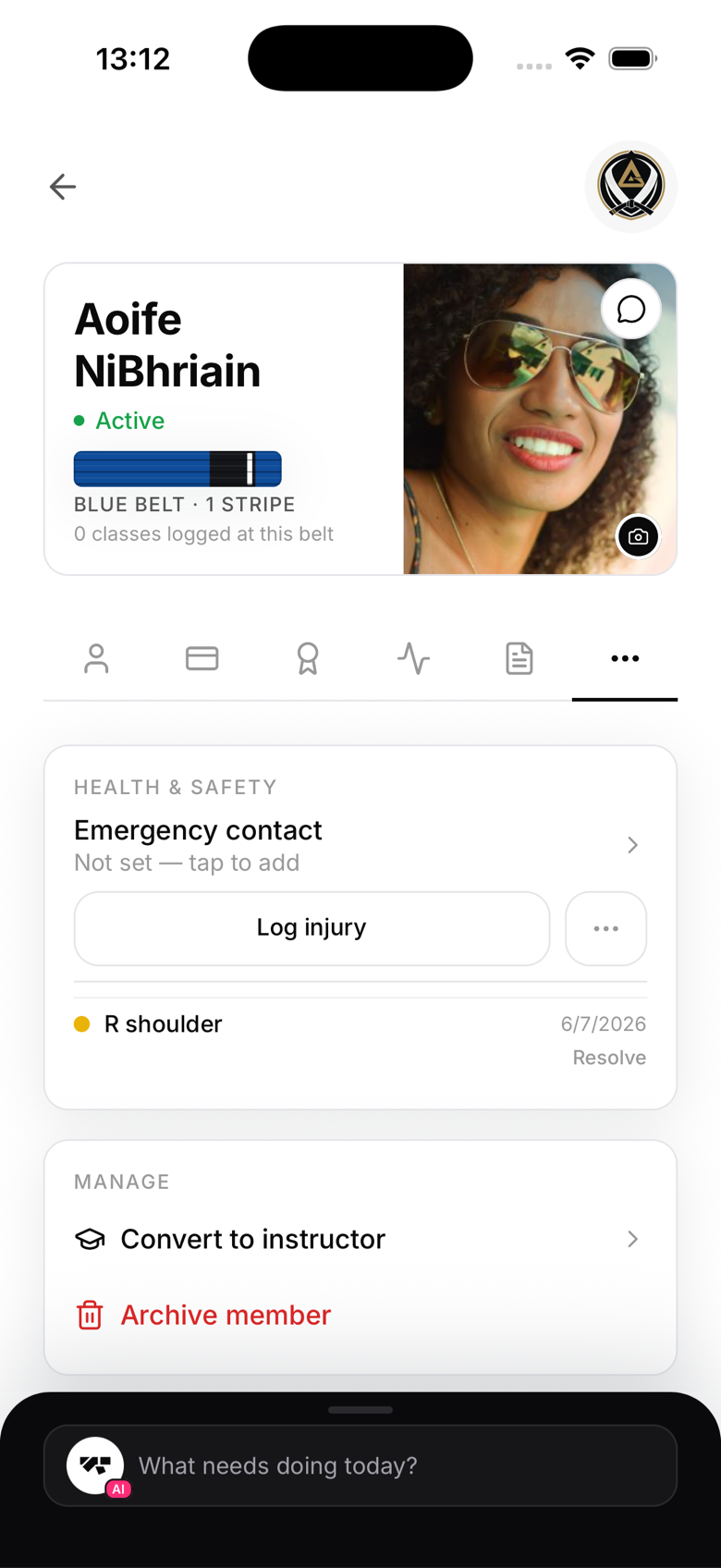
- Open the member's profile
- Go to the More tab, under Manage
- Tap Archive member
- Confirm
Their status changes to archived immediately. Archiving hides them from your roster and search, but keeps every record: attendance, belt progressions, diplomas, and payment history. It doesn't touch their Stripe billing directly, so cancel their subscription separately first if they still have one running.
What archived members can still do
Archived members can still sign in and view their own profile, history, and diplomas. They just can't book classes, check in, or show up in your active roster.
Reactivating an archived member
Open their profile and tap Restore member. This sets their status back to active immediately. Archived members don't currently appear in your member list or search results, so you'll need to reach their profile directly, for example from an earlier conversation or notification, or ask MatPilot support to help you find them. You'll still need to assign them a new membership plan, since archiving doesn't do that automatically.
Archiving vs. deleting
Archiving is reversible and is the right move for a member who's simply left. MatPilot doesn't support permanently deleting a member from the owner app either, that's handled through the GDPR erasure process from Account → Privacy & data.