Help Center › Members & Profiles
Member grading history
Viewing grading history
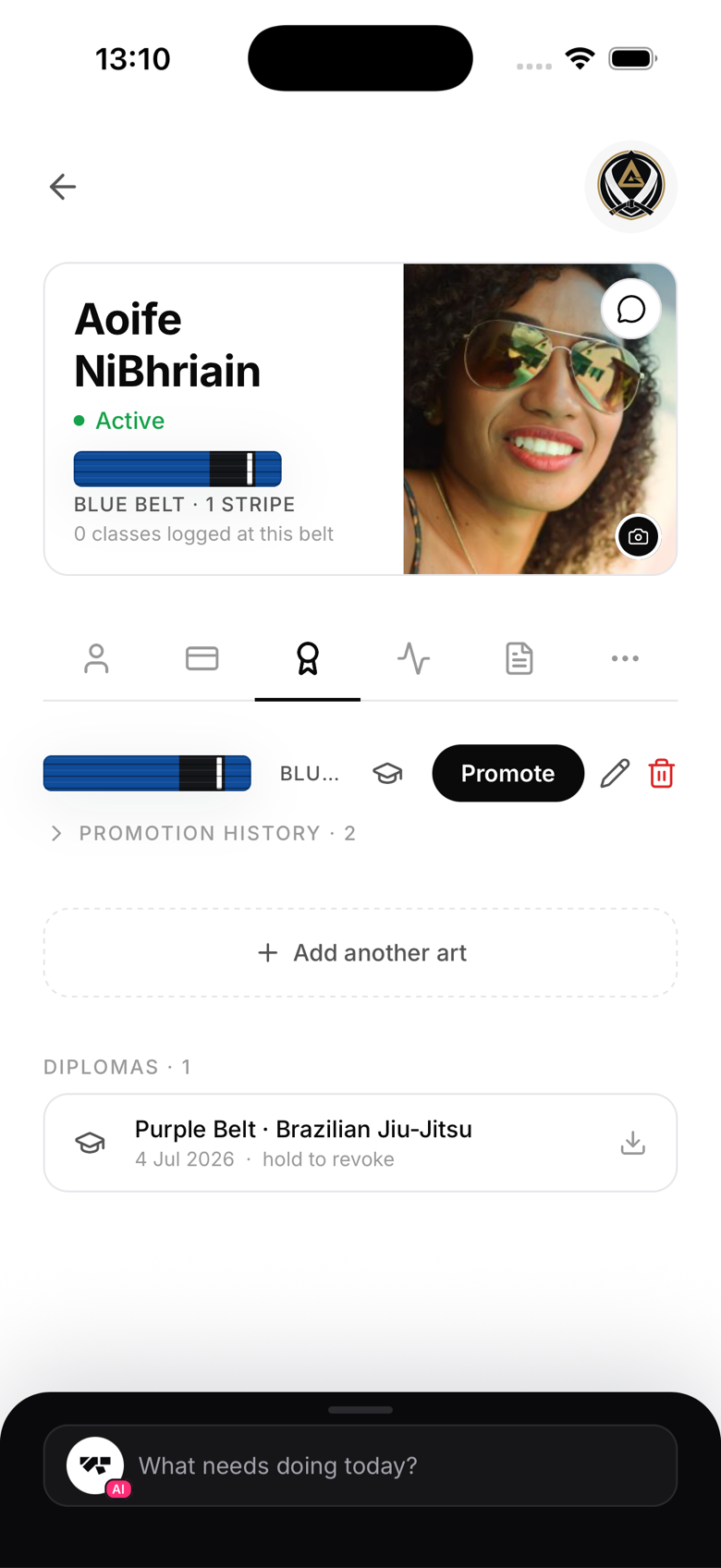
Open the member's profile → Ranks tab. You'll see their current belt and stripe count for each martial art the gym runs, plus a collapsed promotion history you can expand into a reverse-chronological timeline: date, from-belt, to-belt, and a link to generate a diploma for that promotion.
What gets recorded
When you promote a member using the Promote button (rather than the pencil-icon quick edit), MatPilot records the date and the from-rank and to-rank. Who performed the promotion is captured separately in your gym's audit log, not shown inline in the history itself.
Editing the history
Promotion records can't be edited after creation. If you made an error, use the pencil-icon quick edit on the Ranks tab to correct their current rank going forward. It won't retroactively fix the wrong history entry, but it gets them back on track.
Member view
Members can see their own grading history in the Progress section of the app, a motivating look at how far they've come since joining.
Exporting history
There's no dedicated export for one member's history. For a full data export, use Account → Privacy & data → Export my data.