Tracking member attendance history
How many classes this month? Every check-in is on record so nobody has to remember.
Viewing a member's attendance
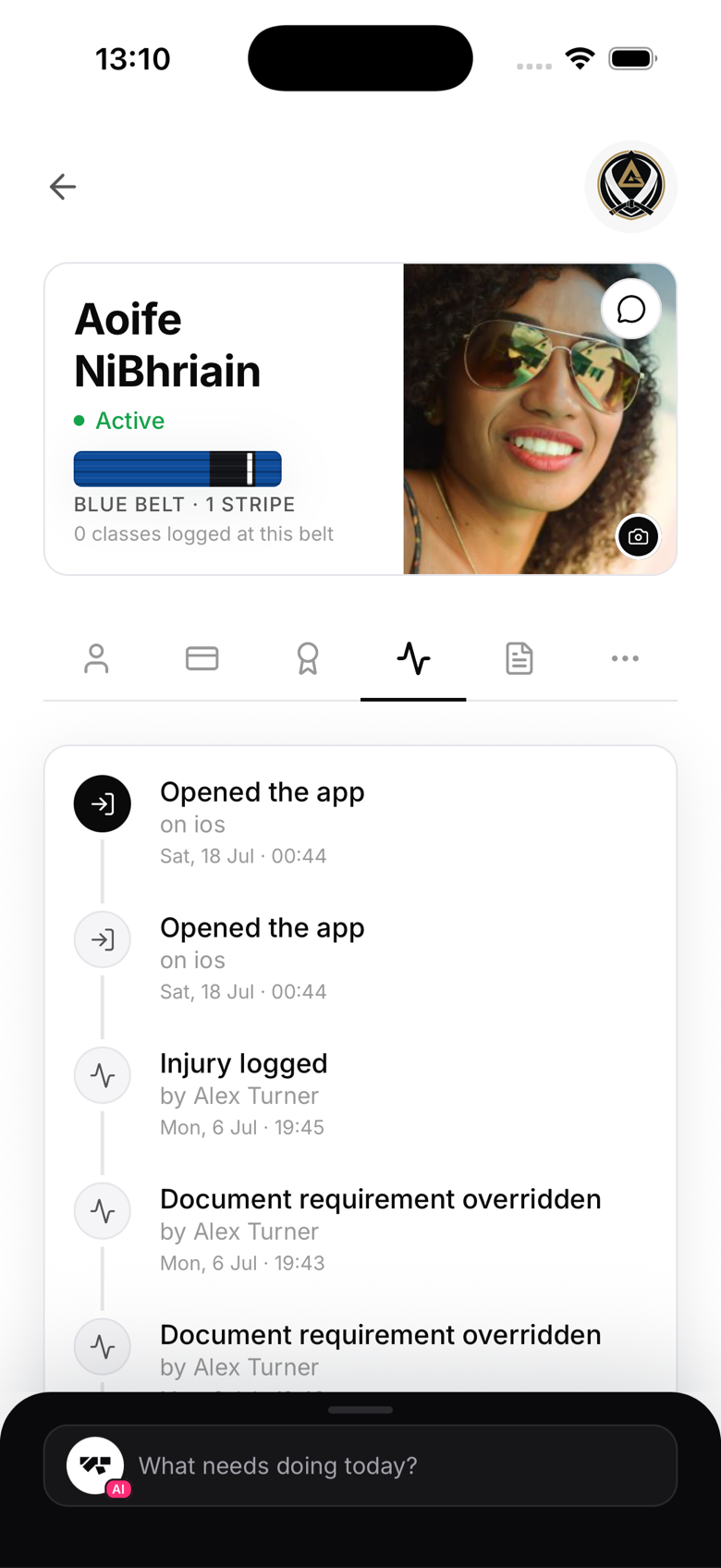
Open the member's profile → Activity tab, then filter to Classes. You'll see every class they've checked into, with the check-in time and method (self, staff, or kiosk), most recent first. The same tab also shows their payments, belt changes, and staff notes, filterable by category.
Class-level attendance
To see who attended a specific class rather than one member's full history, open that class from the Schedule tab and check its roster and check-in list.
Attendance and trials
For members on a class-count trial (for example, a few free classes), each check-in automatically decrements their remaining count. You can see it on their profile.
Retroactive check-ins
If a member forgot to check in, add it from the class roster. Open the class, tap + Add other, search for the member, and select the date.