Staff notification preferences
Accessing notification settings
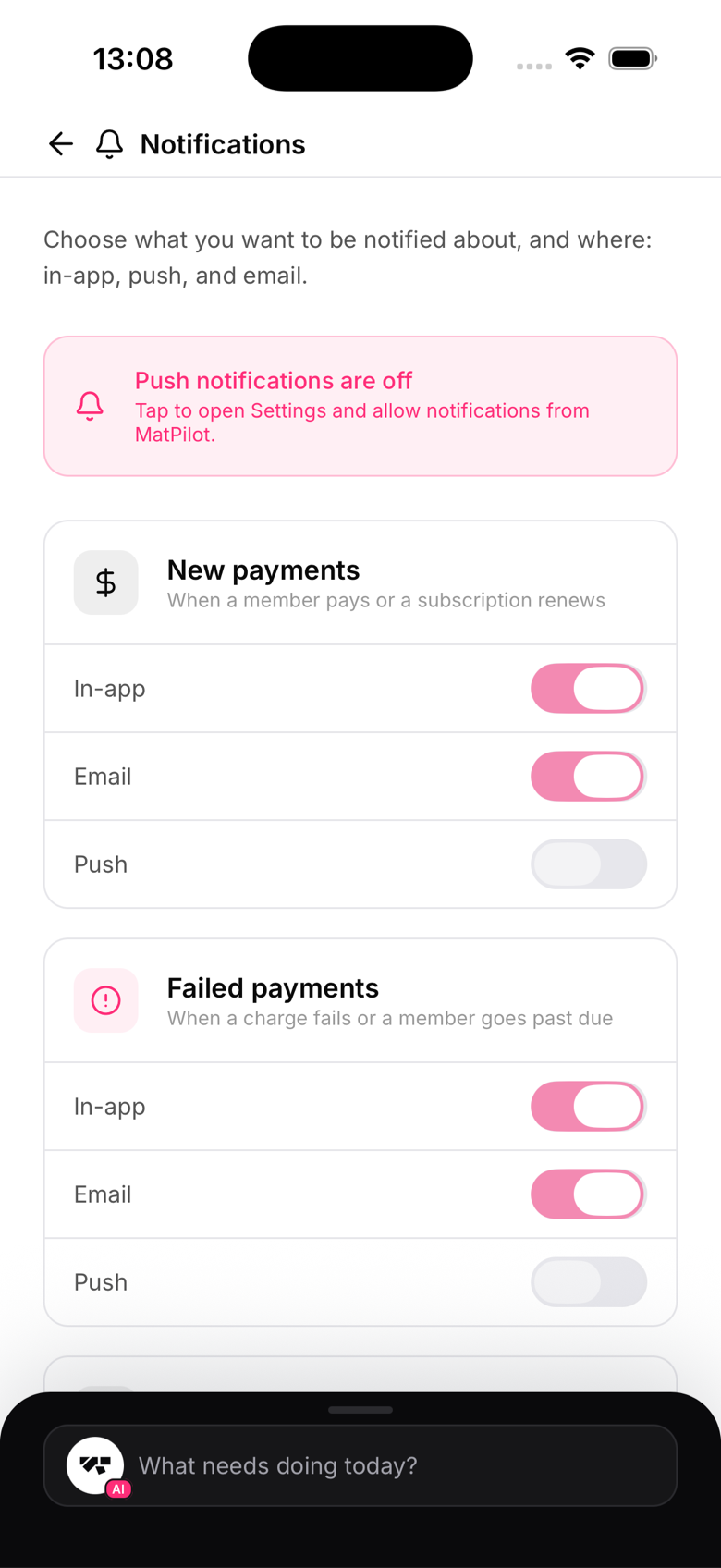
Owners go to Settings → Notifications. Instructors and reception staff have their own, simpler notification settings screen in the app.
What owners can configure
Six event categories, each with its own push and email toggle:
- Payment received
- Payment failed
- Trial converted to paid
- New member joined
- Grading ready
- Dispute alert (a chargeback on a member's card)
For example, you might leave "Payment failed" on for both push and email since you want to know immediately, while turning email off for "New member joined" since a push is enough.
What instructors and reception can configure
Staff who aren't the owner get a lighter settings screen with two toggles of their own: push notifications for new chat messages, and push notifications for gym announcements. They don't see the owner's business categories like payments or grading, since those aren't relevant to their role.
No bulk mute
There's currently no "quiet mode" or single switch to silence everything at once. Each category and channel is toggled individually.