Managing multiple locations with staff
How locations work
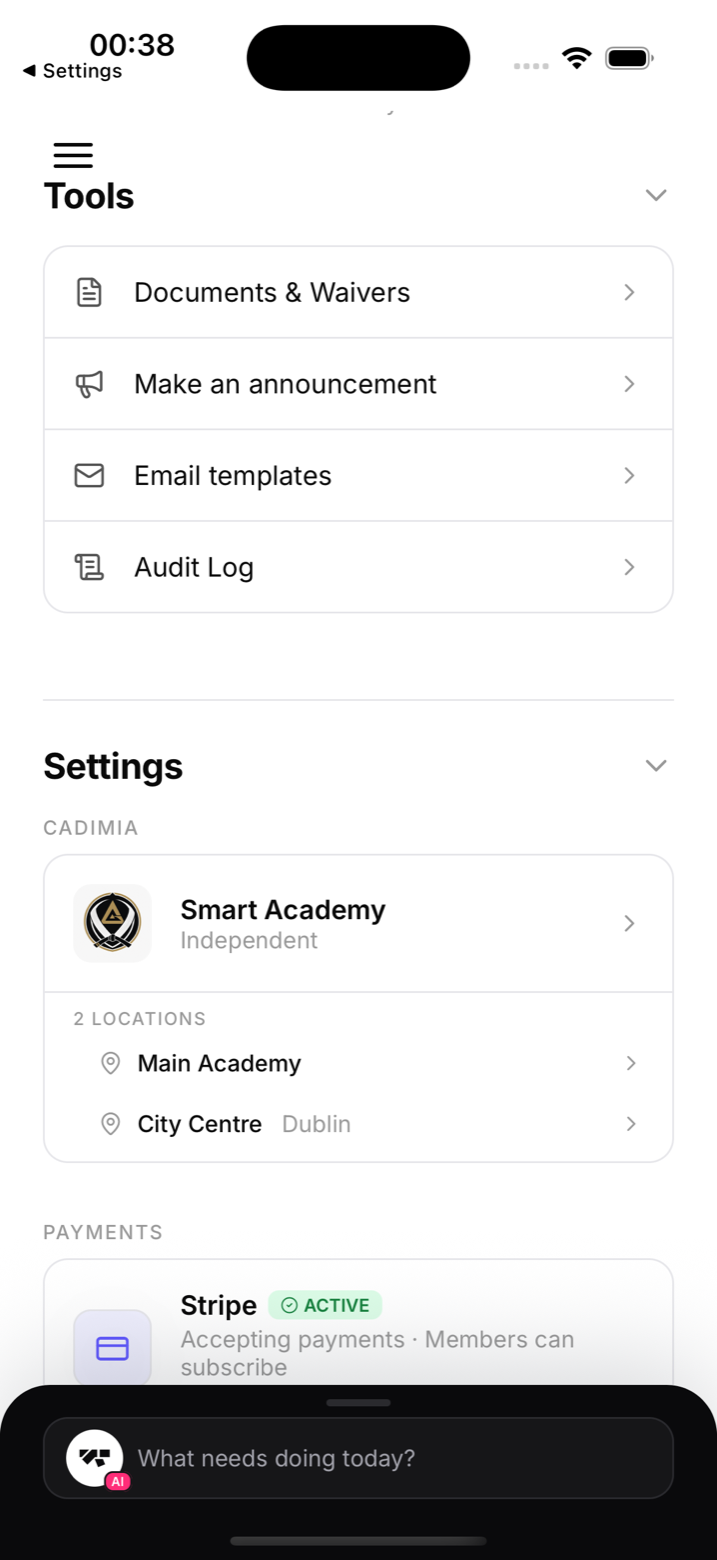
Each gym can have multiple locations (for example "Main Gym," "Annex," "Saturday Only Mat"). Classes are assigned to a location, and check-in is tracked per location.
Creating a location
Go to your Gym settings screen, scroll to Locations, and add one there with a name and address.
Staff access is not location-scoped
Every staff member, whether Owner, Manager, Instructor, or Reception, sees classes and members across every location in the gym, not just one. A member's "home" location is used for things like where they're auto-assigned when they join and how the directory groups them, but it isn't an access boundary for staff. If an instructor wants to focus on one site day to day, they can switch locations from the location picker to scope what they're viewing, but nothing stops them from switching back and seeing everything.
Location-specific kiosk
Each kiosk is paired with a specific location, so it only shows classes for that location. Owners and managers configure this from the kiosk settings.
Revenue by location
Your Finances screen scopes to whichever location you have selected in the location picker, so you can compare how each site is performing.
Cross-location members
Members can attend classes at any location. Their check-in history and billing are gym-wide, not tied to a single site.
What's not built yet
MatPilot doesn't currently offer per-location membership plans or a way to restrict a staff member's access to a single location. If you're running a large multi-site operation with those specific needs, reach out to MatPilot support.