The whole permission map on one page, exactly as the app enforces it.
Member management
Action
Owner
Manager
Instructor
Reception
Student
View member list
Yes
Yes
Yes
Yes
No
Add a member
Yes
Yes
No
No
No
Edit member profile
Yes
Yes
No
No
Own only
Archive a member
Yes
Yes
No
No
No
View member billing
Yes
Yes
No
No
Own only
Classes and attendance
Action
Owner
Manager
Instructor
Reception
Student
View schedule
Yes
Yes
Yes
Yes
Yes
Create/edit classes
Yes
Yes
Yes
Yes
No
Take attendance
Yes
Yes
Yes
Yes
No
View roster
Yes
Yes
Yes
Yes
No
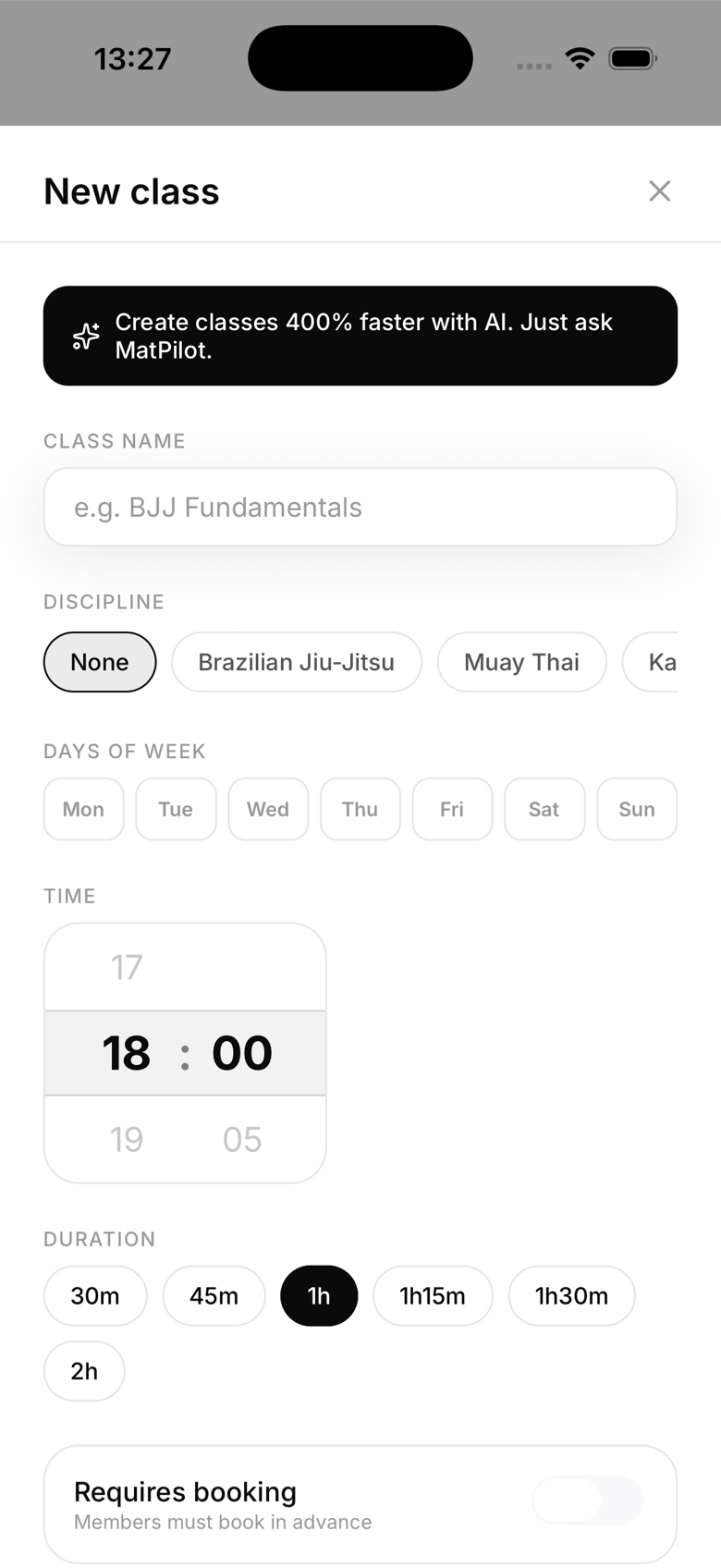
Class editor with the Instructor field showing owner, manager, and instructor staff in the picker
Billing
Action
Owner
Manager
Instructor
Reception
Student
View revenue
Yes
Yes
No
No
No
Create plans
Yes
Yes
No
No
No
Retry payments
Yes
Yes
No
No
No
Connect or change Stripe settings
Yes
Yes
No
No
No
Grading and promotions
Action
Owner
Manager
Instructor
Reception
Student
Promote a member
Yes
Yes
No
No
No
Generate diploma
Yes
Yes
Yes
No
No
Settings
Action
Owner
Manager
Instructor
Reception
Student
Change gym settings
Yes
Yes
No
No
No
Manage kiosk
Yes
Yes
No
No
No
View audit log
Yes
No
No
No
No
Manager is intentionally close to Owner. It covers billing, Stripe, kiosk setup, and gym settings too. The two things reserved for the owner are changing anyone's role and, by default, seeing the audit log. A manager can only view the audit log if specifically granted that permission, and that isn't yet a self-service toggle in the app, so contact MatPilot support if you need it.
Note also that instructors generate diplomas but don't perform the promotion itself, that's an owner or manager action. It's a common source of confusion, so plan for the owner or manager to do the belt update before an instructor prints the certificate.