Transferring gym ownership
What ownership transfer involves
The owner role carries full access: billing, Stripe, settings, member management, revenue, and the AI co-pilot. Moving that role to someone else is the core of a transfer. What happens to your own account afterward, staying on as a manager or instructor, or stepping away entirely, isn't automatic. It's a separate decision you should make explicit as part of the request.
How to transfer
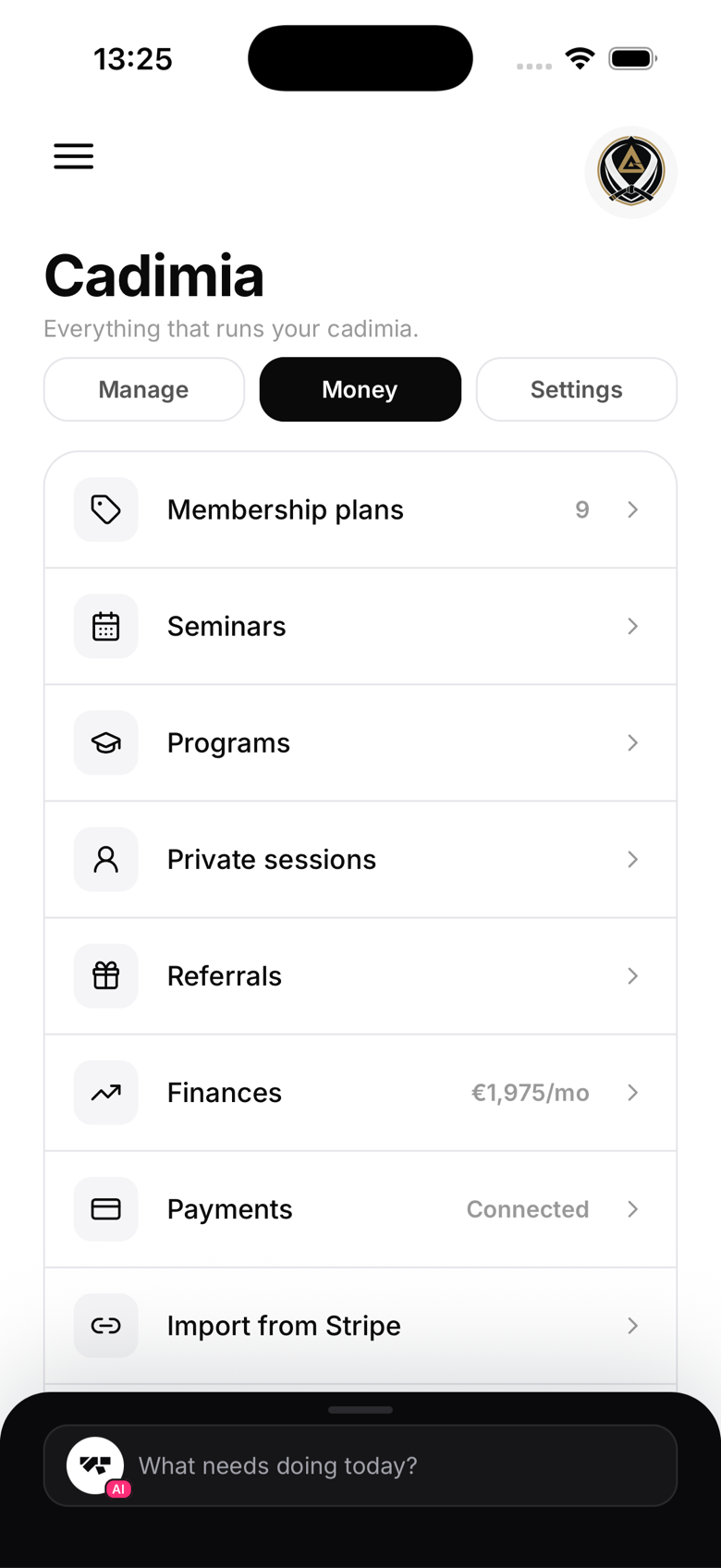
The app doesn't currently expose a self-service way to change who holds the owner role. Contact MatPilot support at support@matpilot.io with:
- Your current owner email
- The new owner's name and email (they need a MatPilot account and should already be a member of your gym)
- What you'd like to happen to your own role afterward
Our team will verify the request and complete the transfer on both sides.
Stripe account
The connected Stripe account is separate from your MatPilot role. If you're selling the gym and the new owner needs control of the Stripe account itself, that's handled through Stripe's own business ownership transfer process in the Stripe dashboard, MatPilot doesn't move Stripe account ownership for you.
Data continuity
All gym data, members, attendance history, classes, schedules, and promotions, stays with the gym through a transfer. Nothing is deleted.
Before transferring
Make sure the new owner already has a MatPilot account and is already a member of your gym in some role. That's a requirement for the role change to apply to their account.
After transferring
Since the app doesn't yet offer a way to change an owner's own role afterward, tell support what you'd like your role to become (Manager, Instructor, or removed entirely) and they'll set it as part of the same request.