Help Center › Membership Plans
Creating discount codes
January intake or a comeback offer: real Stripe promotion codes, applied at checkout.
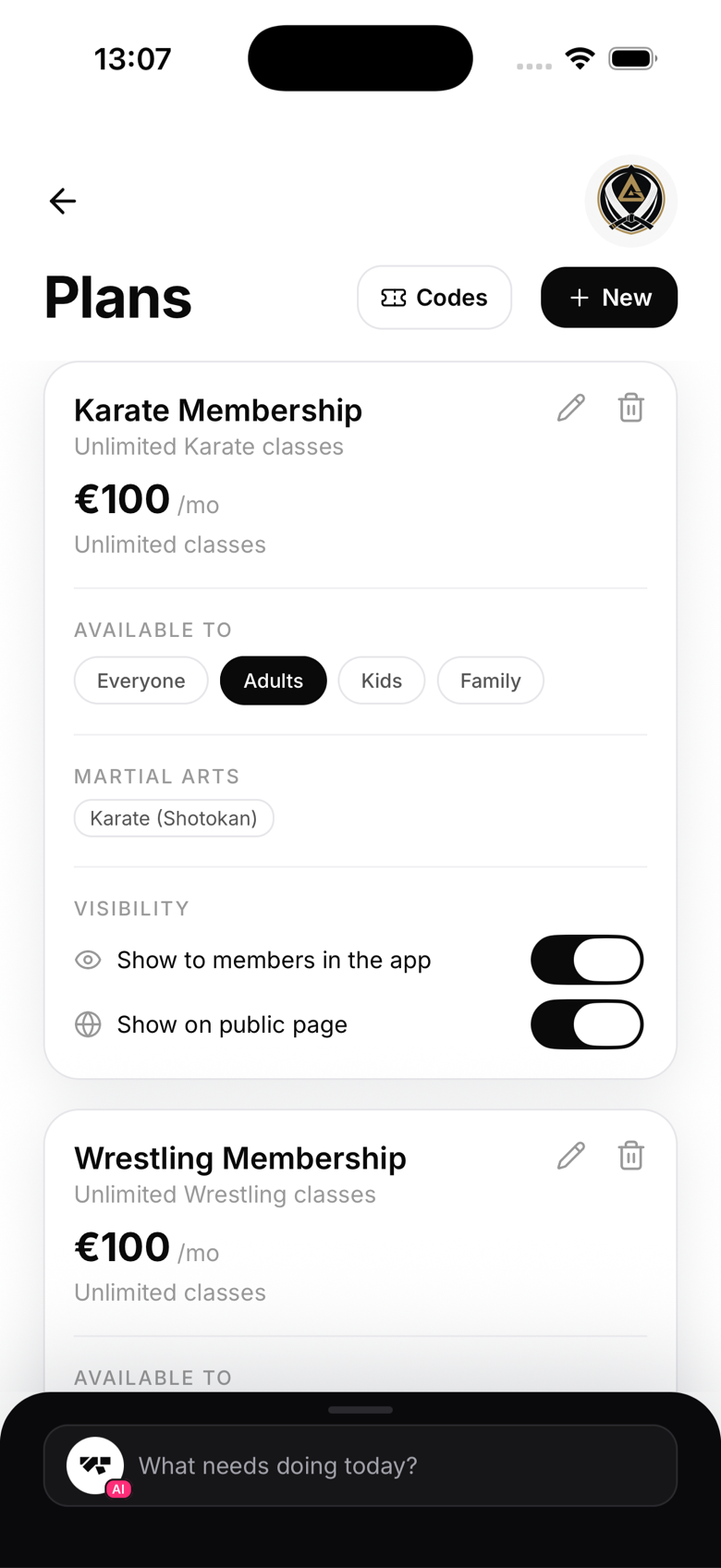
Create a code
- Go to Plans and tap Codes in the header
- Tap New and fill in:
- Code: what members type, e.g.
SUMMER20. Letters and numbers only, auto-uppercased - Discount: a percentage (20%) or a fixed amount (€10)
- Applies to: the first payment only, several months of billing, or forever
- Usage limit (optional): a cap on total redemptions
- Code: what members type, e.g.
- Tap Create code
You can also just ask the AI: "create a 20% off code called SUMMER for the first 3 months". It confirms the details before creating anything.
How members use it
Checkout happens on Stripe's secure page, which has an Add promotion code box. The member types the code and the discount is applied before they pay. Stripe rejects invalid, expired, or used-up codes on the spot, so there's nothing for you to police.
Managing codes
The Codes list shows what each code does and how many times it's been used. Deleting a code stops new redemptions; members who already used it keep their discount.
Notes
- Codes work on subscription plans and one-time class packs
- A fixed-amount code has a currency; make sure it matches the plan's currency