Help Center › Classes & Scheduling
Curriculum coverage: what was taught and what is still open
Curriculum coverage reads what your classes logged against what your syllabus contains, so you can see what was taught and what is still open before a grading, not after.
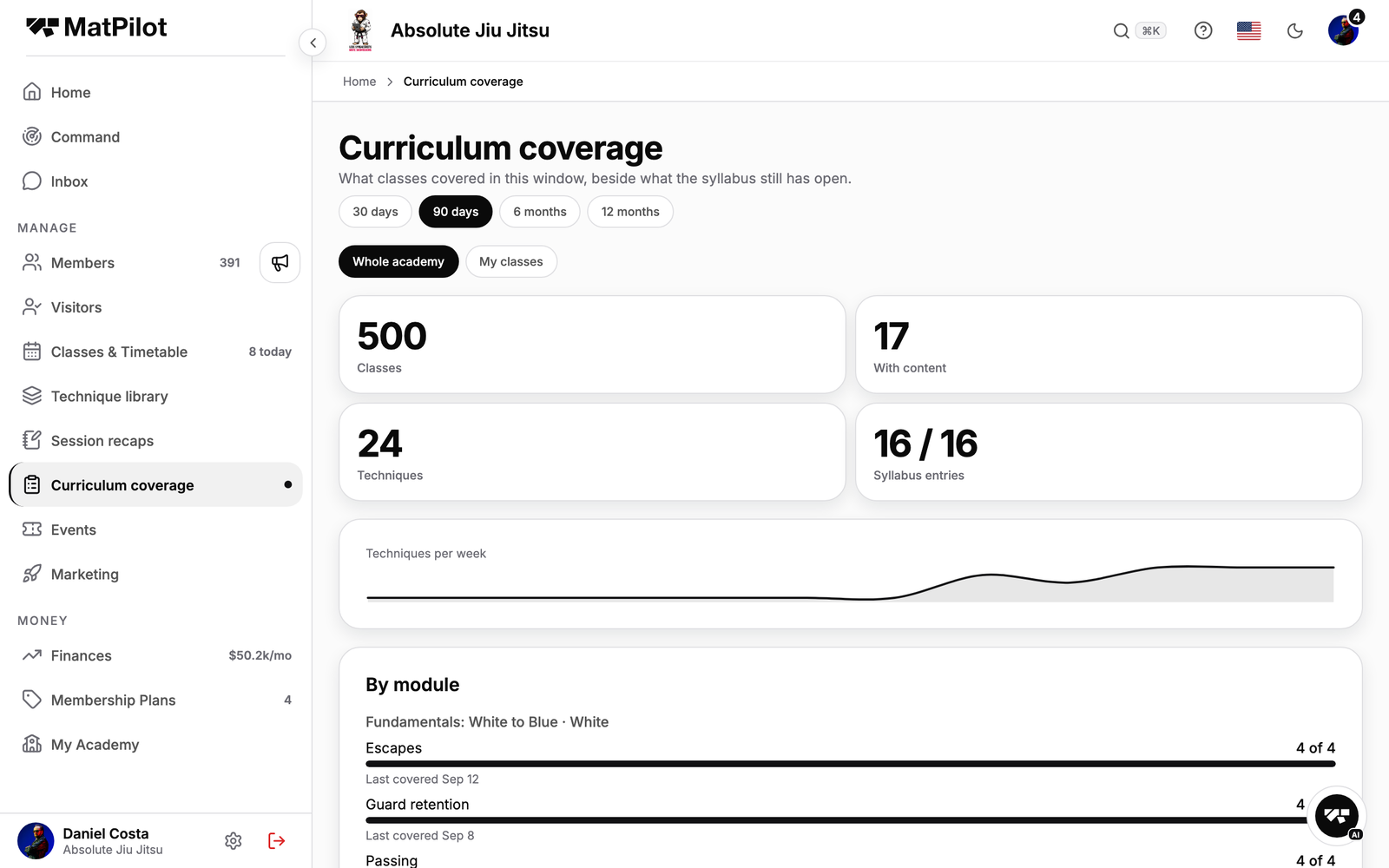
Where it is
Owners and managers open Curriculum coverage from the sidebar. Instructors see it too, scoped to their own classes.
What it shows
- A window: 30 days, 90 days, 6 months or 12 months, for the whole academy or my classes.
- Four numbers: classes in the window, how many of them had content logged, distinct techniques taught, and syllabus entries.
- Techniques per week, as a small chart.
- By module: for each module of each curriculum, how many of its entries a class covered, and when each one was last covered.
- Still open: the syllabus entries no class covered in the window, with a shortcut to add them to the next scheduled class.
- Covered most often: the techniques your classes keep coming back to.
Where the data comes from
Coaches tick what a class covered on the class screen. Coverage counts those ticks against the syllabus built on the Curriculum screen. It is a record of the classes, not of the people who taught them: cancelled classes are ignored, and a window holds at most 500 classes.
If nothing shows, there is no syllabus saved yet. Build one first and the screen fills in from the classes you already logged.