Returning visitors at the kiosk
A visitor who trained last month should not have to sign up again. They find themselves in one tap.
Finding themselves
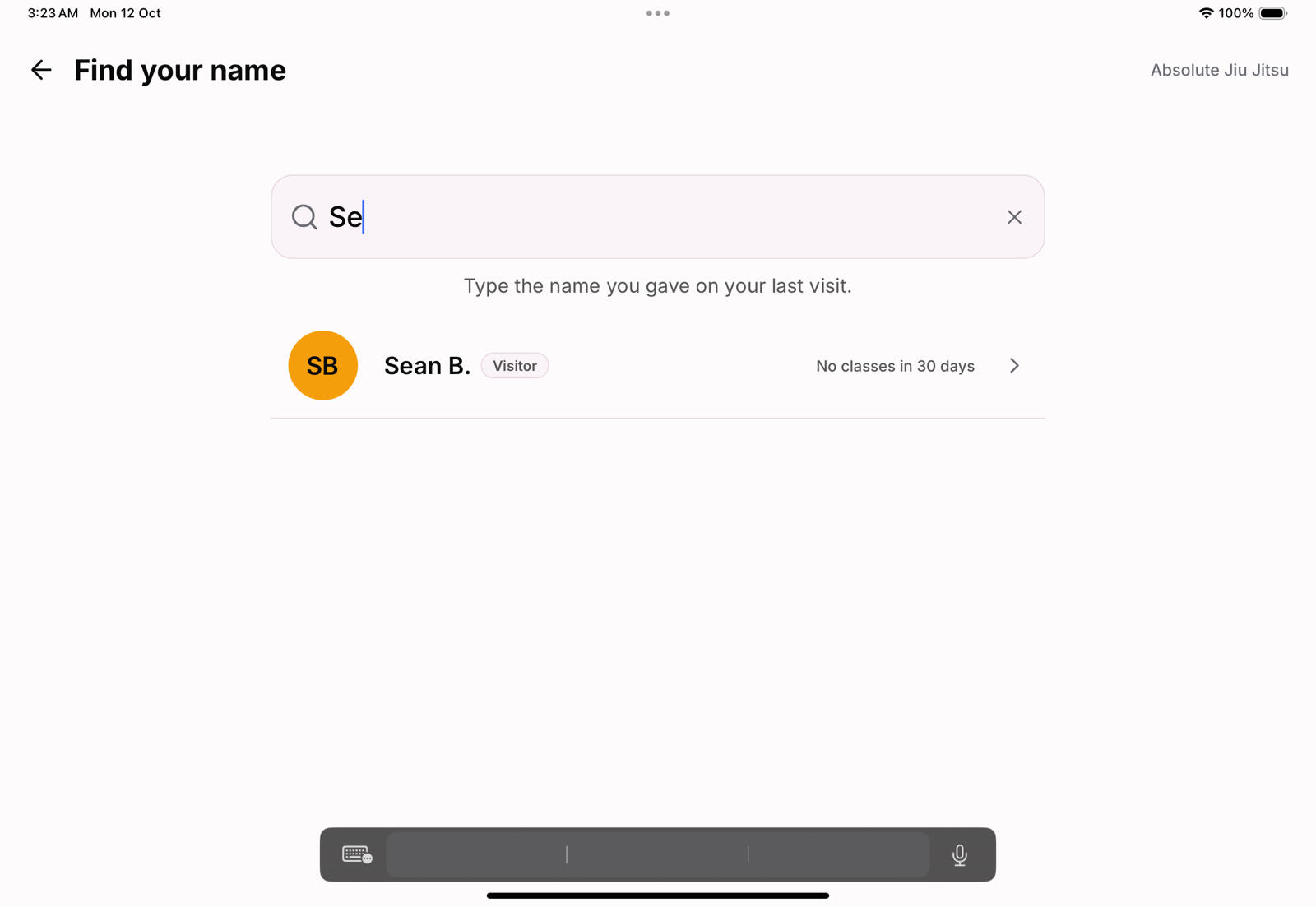
On the kiosk's home screen, Visiting again? Find your name opens a search of your visitors only, so a returning drop-in is never lost among your members. They type the name they gave last time and tap themselves.
Checking in
A visitor checks in to a class once they hold a pass for it, bought in the app or taken at the desk. Without one, the kiosk tells them:
- Pay for today's class, with the drop-in price, when the class has one. The tablet cannot take money, so they pay at the desk; staff record the pass and check them in from the roster.
- Book this class first, when drop-ins are free: booking in the app gives them a free pass.
- That the class is for members only, when you have closed it to visitors.
First time here?
A first-time visitor uses I'm new here, or you add them from the app. See welcoming visitors and charging drop-in fees.