Help Center › Billing & Payments
Welcoming visitors and charging drop-in fees
First: the waiver, always
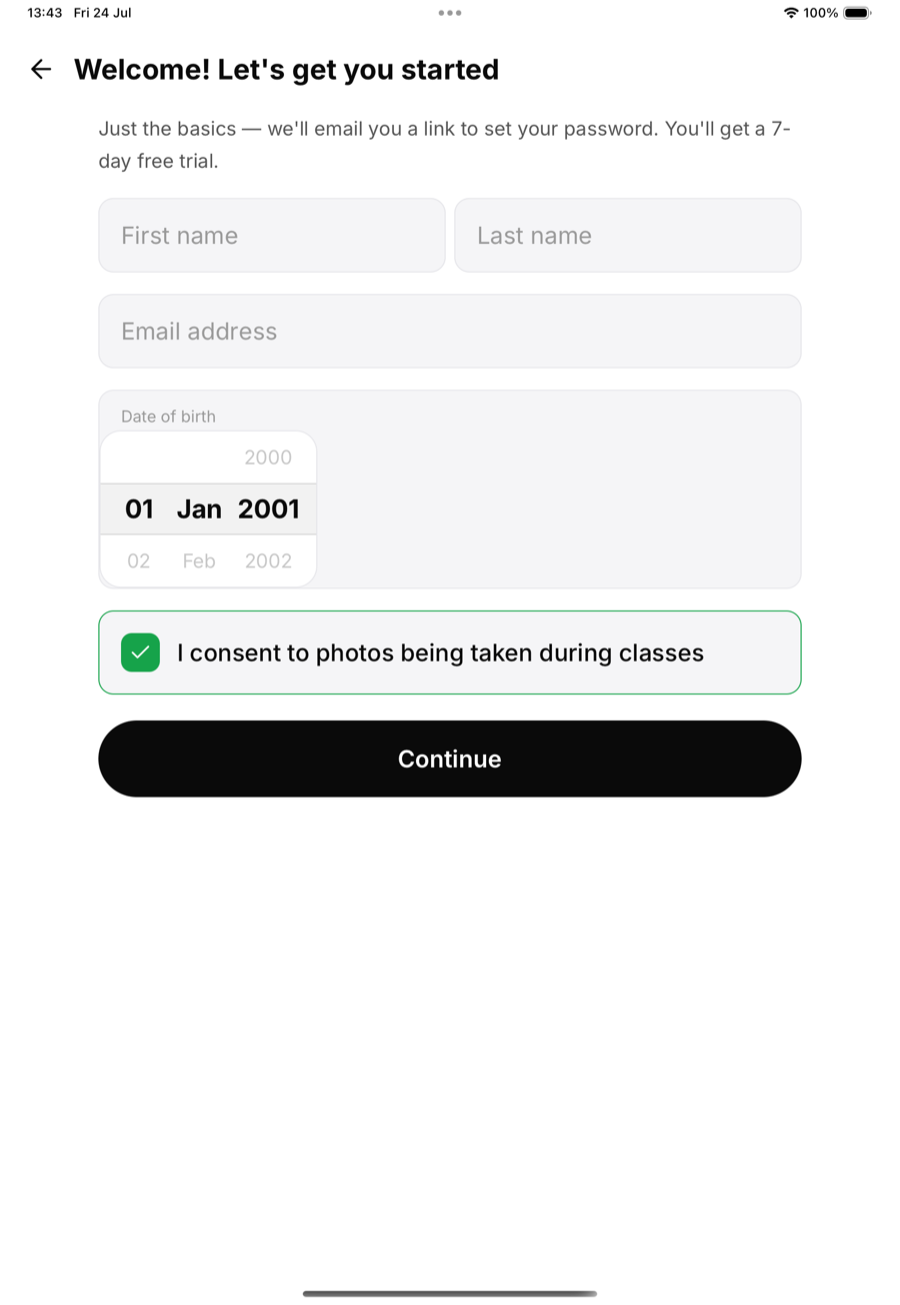
Visitors are the people most likely to get skipped on paperwork, and the ones you most need it for. Send them to the kiosk's "I'm new here" flow: they enter their details, sign the waiver on the spot, and exist in your system before they bow in. No kiosk? Staff can add them with the regular add-member flow.
Charging the drop-in fee
Four ways, pick per situation:
Tap to Pay (Android): open In-person payment, enter the amount, and let the visitor hold their card or phone against your Android device: no card reader, no hardware, paid straight to your connected Stripe account. This is currently Android-only; iPhone Tap to Pay is pending Apple approval, so iPhone-carrying staff should use one of the options below.
A drop-in class pack: create a class pack with a single class in it: that's a drop-in, productised. The visitor pays through the normal Stripe checkout on their own phone, and their check-in uses the credit. Works from any platform, and doubles as a public "drop in for €X" offer on your plans page.
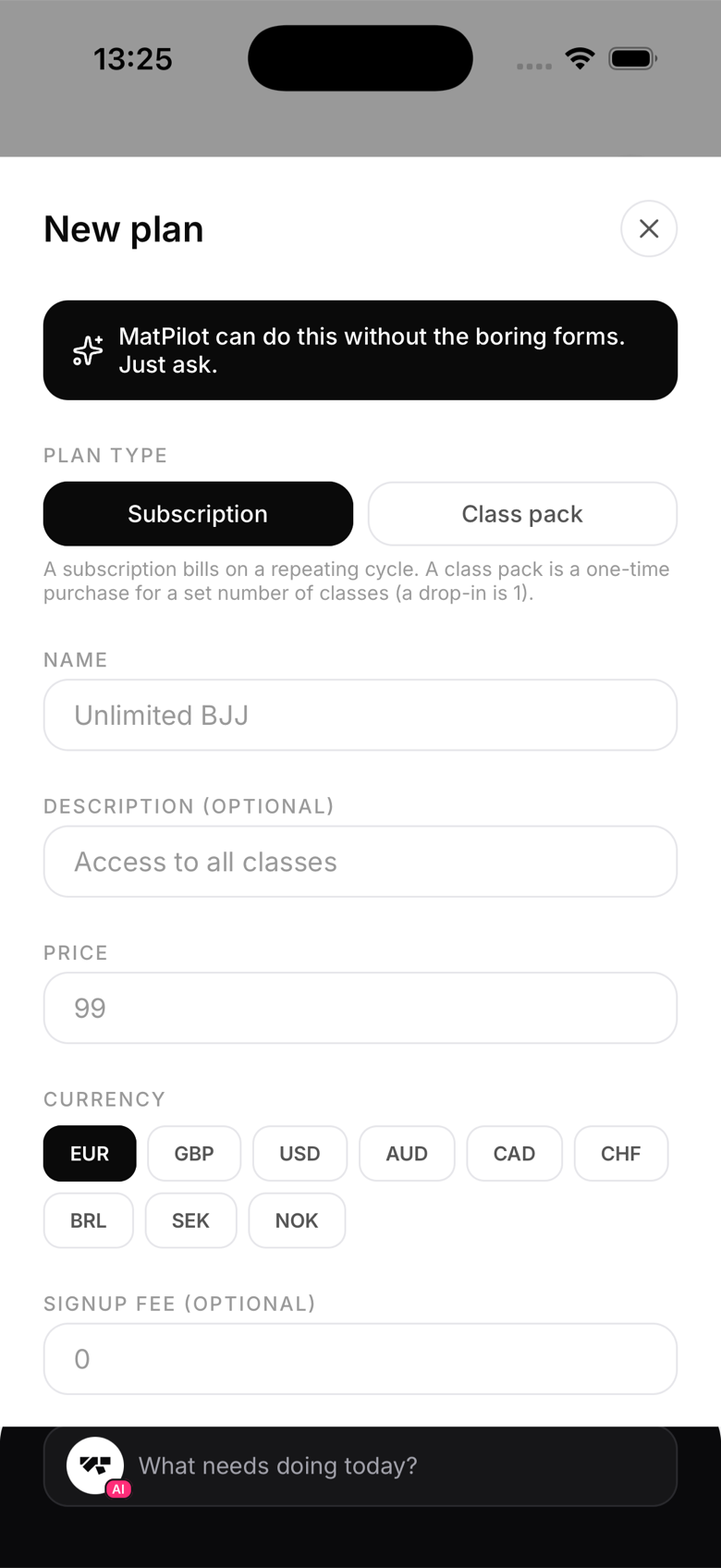
A payment link: no app in hand, no problem. Assigning the drop-in pack from the visitor's profile sends them a Stripe Checkout link they can open and pay on their own phone. And for one-off events like an open mat or a guest session, a seminar gives you a true shareable payment link: post it in a group chat or on a poster QR and anyone can pay, no account needed.
Cash: some visitors will just hand you a note. Record it as an in-person payment on their profile so the visit still shows up in your revenue and their history.
Make them want to come back
A visitor who trained once is a warm lead: their details are already in your system from the kiosk. If they're local, follow up with a free trial or your beginner offer; if they're passing through, they'll remember the gym where paying wasn't a hassle.