Tips for getting the most from the AI
Be specific about names
Use full names when referring to members, the AI searches your member list and will ask for clarification if it finds multiple matches. "Promote James" might match three members, "Promote James O'Brien" won't.
Ask one thing at a time
The co-pilot handles one action per conversation turn. If you want to promote a member and send an announcement, do them as separate requests. The AI will guide you through each.
Use it for your morning routine
Open the AI first thing each morning and ask: "What should I focus on today?" It combines your gym's live data with recent activity to give you a prioritised answer, alongside the automatic briefing card already on your home screen.
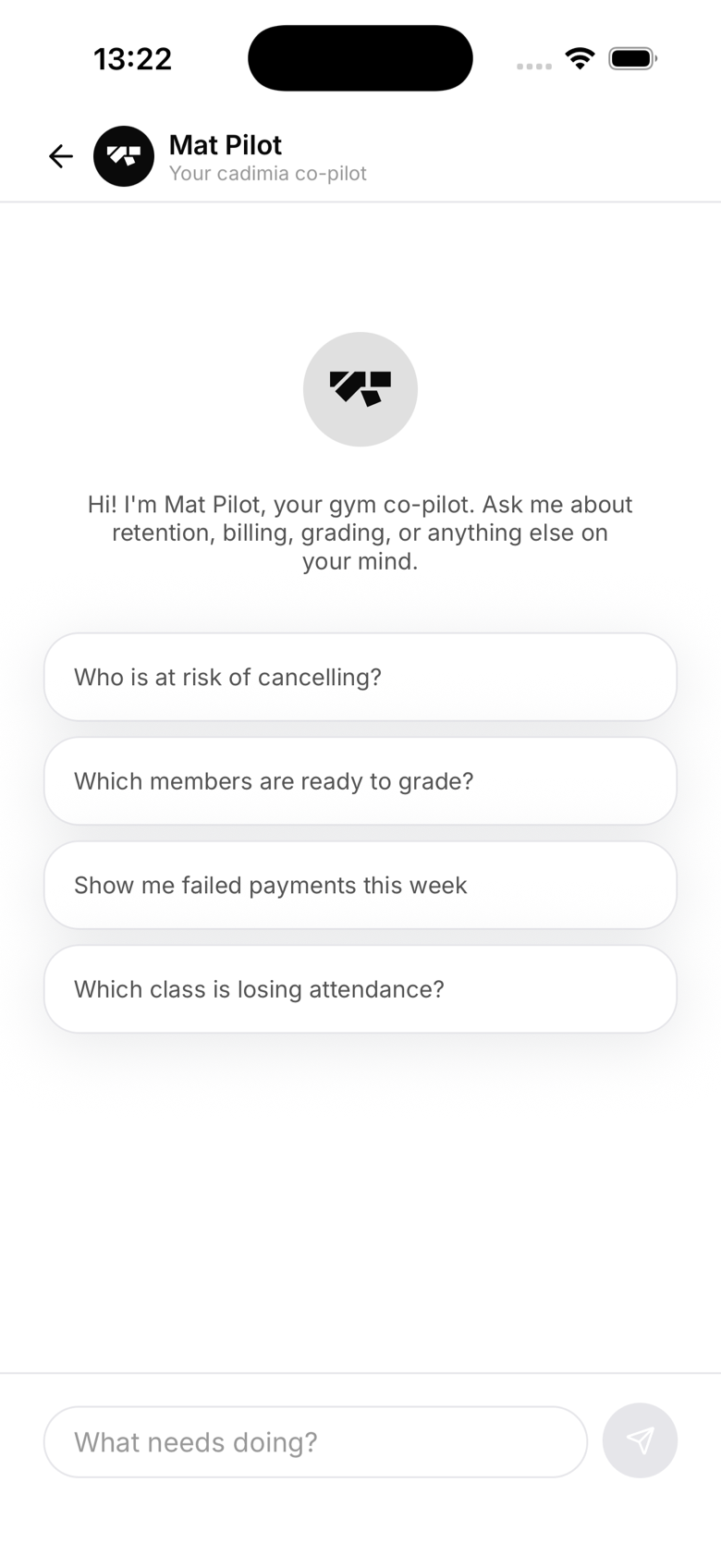
Let it draft announcements
Even if you're going to edit the announcement before sending, let the AI draft it first. It writes in a friendly, direct tone and you just tweak the wording, faster than writing from scratch.
Revenue questions
Ask the AI questions like "How much did I earn this month?" or "Which plan has the most subscribers?" It has live access to your Stripe revenue figures.
What doesn't work well
- Very open-ended strategic questions ("How should I grow my gym?"), the AI can answer but isn't a business advisor
- Requests involving external data ("What do other gyms charge?"), the AI only knows your data
- Multiple simultaneous actions, keep one request per turn