Help Center › Settings & Account
The compliance checklist
Nobody opens a gym to think about VAT; the panel keeps the critical stuff visible before it surprises you.
What it checks
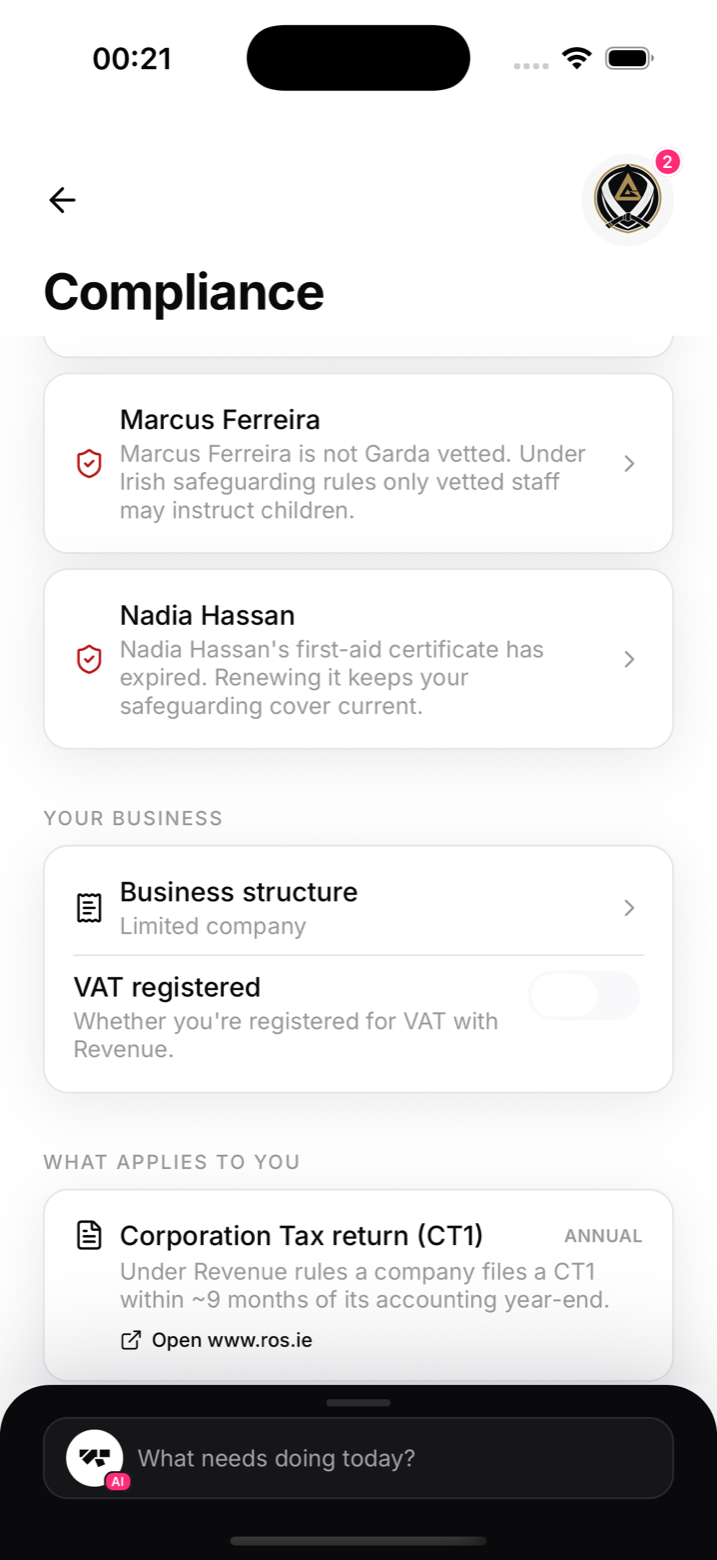
- VAT on your plans: each plan's billed VAT rate against the expected rate for its type. Mismatches are flagged for review, and persistent gaps are marked high audit risk
- Staff vetting: which staff members have Garda vetting recorded, which don't
- Your filings: set your business structure (sole trader, limited company, partnership) and the panel lists the filings that apply to that structure
When everything lines up you'll see it plainly: plans billed at the expected rate, staff vetted, all clear.
Set it up
- Open My Academy in the menu (More on a phone) and tap Compliance on the Details tab
- Set your business structure
- Add your VAT number and the VAT rate to itemise on in-person receipts
The important caveat
The panel is informational only. It points at things worth checking, it does not classify your services or file anything for you. VAT classification (facility use vs tuition, kids vs adults) is genuinely subtle in Ireland; confirm decisions with your accountant.