Help Center › Members & Profiles
Managing kids and guardians
How a child joins
Add a child the same ways you add anyone: an invite from the app, a CSV import, or a walk-in at the kiosk. The date of birth is what makes MatPilot treat them as a minor; under-18s get a Minor badge and a guardian step wherever one is needed.
What the guardian provides
A guardian's name and email are captured during sign-up, and every waiver for a minor is presented to the guardian, not the child: the signature block names the parent signing on the child's behalf. Kiosk enrolment walks the parent through this on the spot.
The child's profile
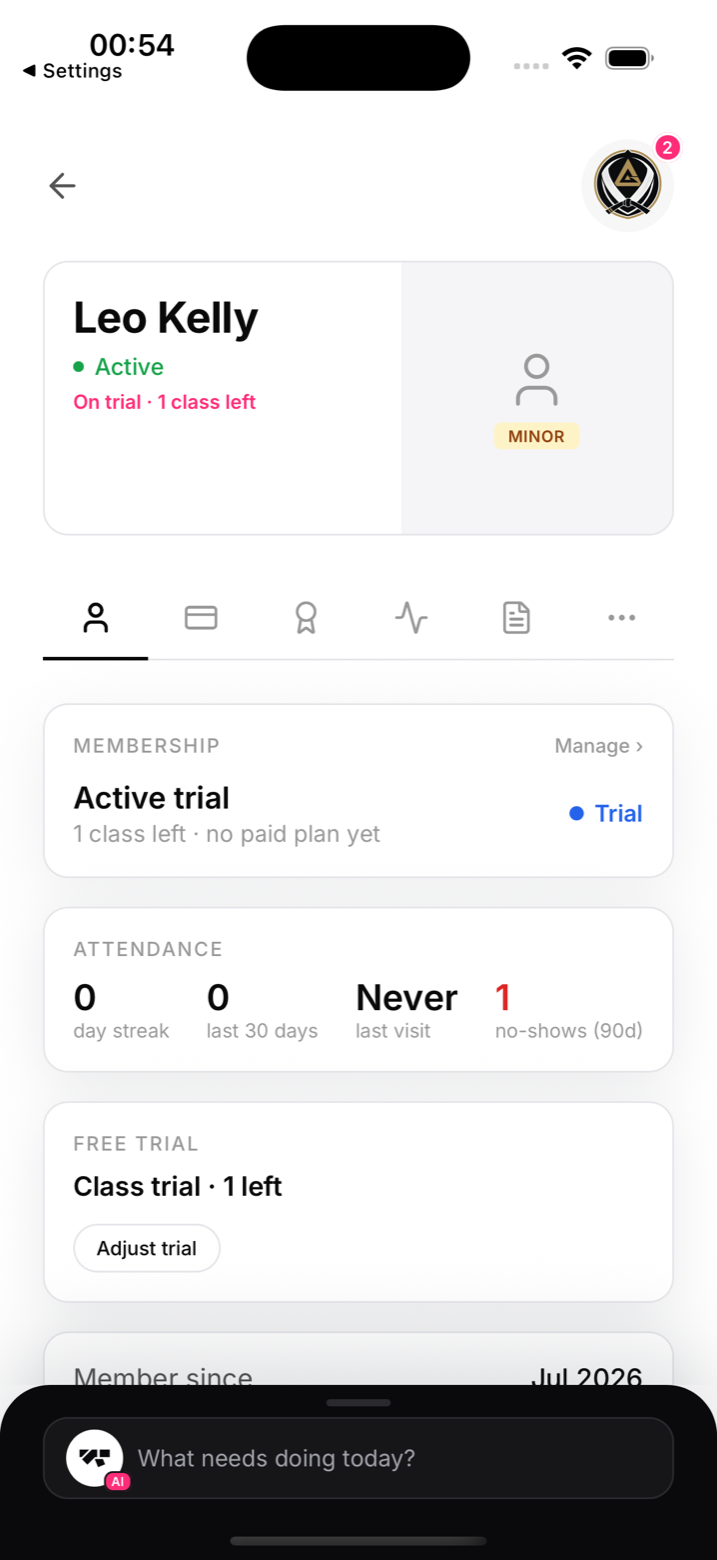
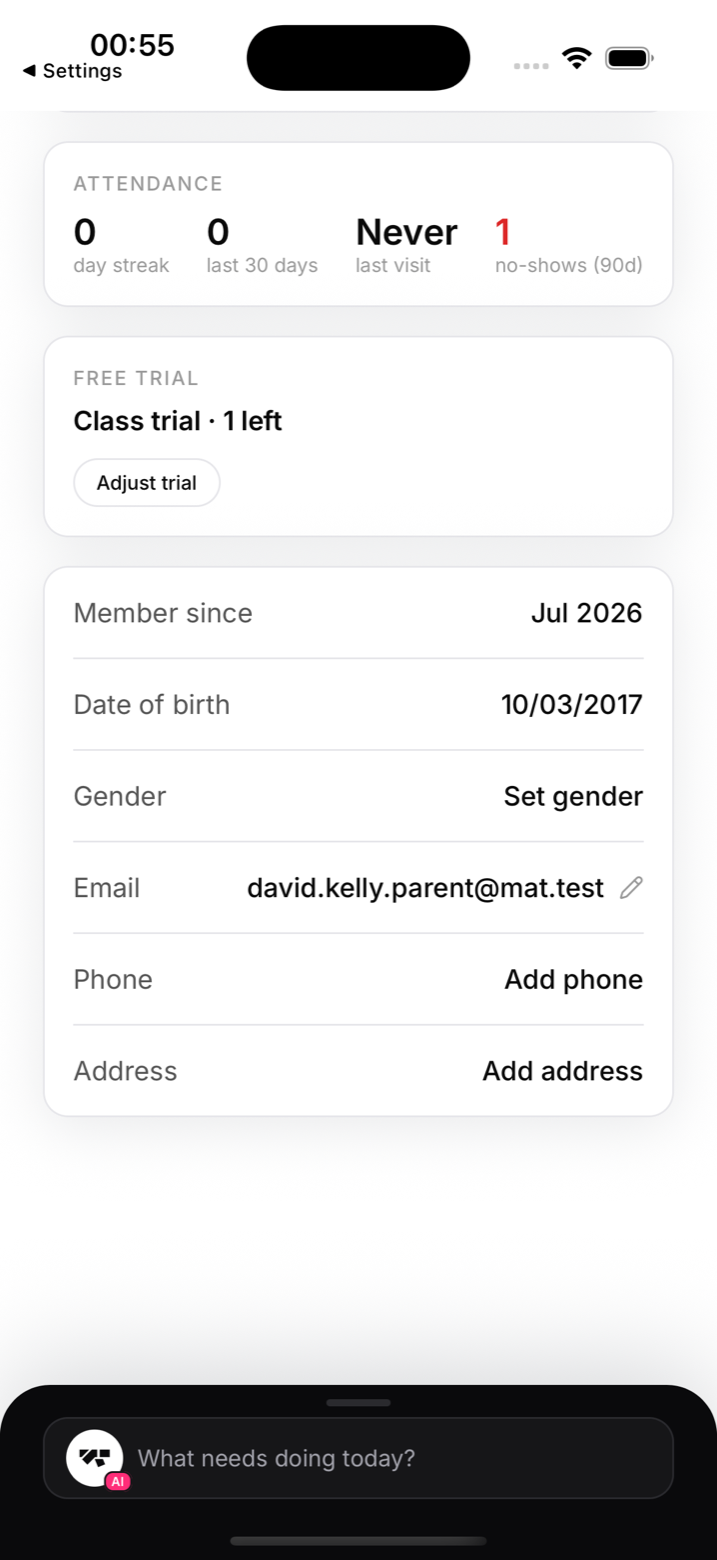
The profile card carries the Minor badge, and the details section holds the date of birth and the guardian's email, so the desk always knows who to call.
Kids on the mats
Kids get their own belt ladders, kids-only classes are enforced by eligibility rules, and end-of-class photos respect a minor-photo block, so children never appear without consent.
Keeping parents in the loop
The Parents audience in announcements reaches every guardian in one send, and chat works with the guardian's account for anything individual.